Unboxing Videos for Ecommerce: How Video Editor AI Repurposes UGC
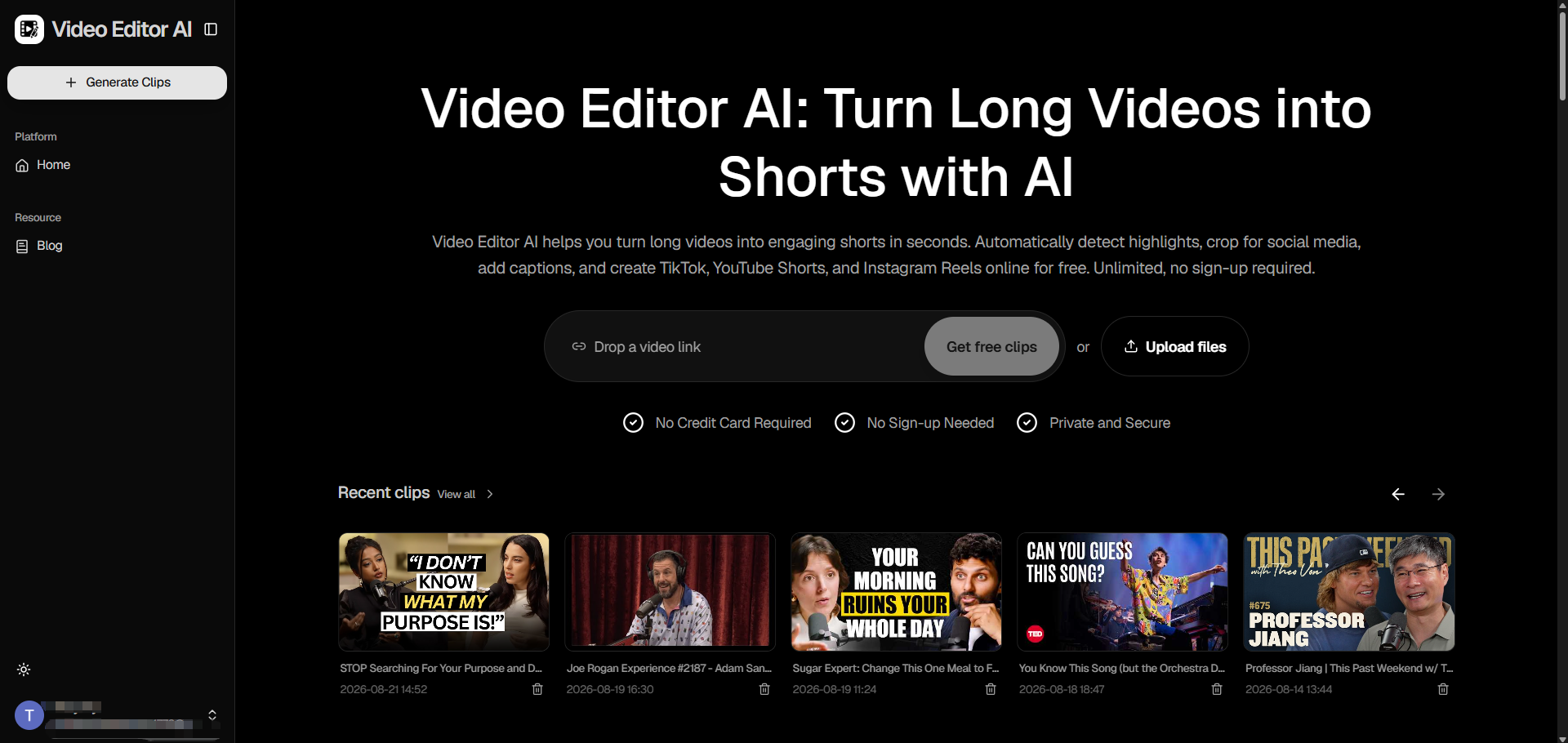
Customer-submitted unboxing footage is some of the most trusted content an ecommerce brand can have, and also some of the most inconsistently used. A lot of it sits in a shared folder — long, unedited, sometimes shaky — because turning raw customer video into something publishable feels like more editing work than a small team can keep up with. Video Editor AI processes that raw footage directly, surfacing the moments worth sharing without requiring a manual edit for every submission.
Why Unboxing Content Works So Well for Ecommerce
Unboxing videos carry a kind of credibility that produced brand content can’t fully replicate — a real customer reacting to a real product, unscripted and unpolished. That authenticity is exactly what makes it valuable, but it’s also what makes it harder to work with: raw customer footage rarely comes pre-edited into something ready to publish.
The Gap Between Raw UGC and Publishable Content
A customer’s unboxing video might run several minutes, include shaky handheld footage, background noise, and long pauses between moments — none of which disqualify it from being valuable, but all of which need addressing before it’s ready for a brand’s own channels.
How Video Editor AI Processes Raw Unboxing Footage
AI Highlight Detection Finds the Genuine Reaction Moments
Rather than requiring someone to watch a customer’s full submission to find the good part, Video Editor AI identifies the moments most likely to hold attention — the reveal, the first reaction, an unscripted comment about the product.
Silence and Filler Removal Tightens Loose, Unscripted Footage
Customer-submitted video is rarely recorded with editing in mind. Removing dead air and filler words automatically turns a rambling few minutes into a tight, watchable clip without losing the authentic tone that made the footage worth using in the first place.
Auto Reframe Adapts Any Aspect Ratio Submitted
Customers film on whatever device they have, often in a different aspect ratio than what a brand’s channels need. Auto reframe adjusts the footage to 9:16, 1:1, or 16:9 as needed, keeping the product and the customer’s reaction centered in frame.
Smart Captions Add Polish Without Losing Authenticity
Captions generated directly from the audio make the clip watchable on mute while preserving the customer’s actual words, rather than replacing their voice with brand-written copy.
Building a Process Around Customer Submissions
Treat Every Submission as Raw Material, Not a Finished Asset
Even footage that seems too rough to use as-is often contains a single strong moment worth extracting. Processing every submission rather than only the ones that look polished on first glance uncovers more usable content than most brands expect.
Prioritize by Viral Score When Volume Is High
When submissions come in faster than they can be manually reviewed, ranking by predicted watch-time and hook strength gives a practical way to decide which ones to process and publish first.
Ask Permission Before Reposting
Before publishing any customer-submitted footage on brand channels, make sure you have clear permission from the customer, both as good practice and to avoid any confusion about how their content is being used.
What Makes an Unboxing Clip Actually Convert
A Genuine First Reaction
The moment right after the product is revealed — before the customer has time to think about what to say — tends to be the most compelling part of any unboxing video, and often the easiest for automatic detection to surface.
A Clear View of the Product Itself
Even in unscripted footage, a clip needs at least a few clean seconds where the product is visible and in focus. Auto reframe helps preserve this by keeping the product centered even in shaky or handheld footage.
Enough Context to Make Sense Without the Full Video
A short clip pulled from a longer unboxing needs to stand on its own, which is why trimming to include a brief moment of setup — what the product is, why they ordered it — often helps a clip land even for viewers with no other context.
Conclusion
Video Editor AI (https://video-editor.ai/) turns raw, unscripted customer unboxing footage into clean, captioned, platform-ready clips without stripping away the authenticity that made the content valuable in the first place. For ecommerce brands sitting on a backlog of customer submissions, that’s a practical way to finally put that trust-building content to use.
Repurpose your customer footage with Video Editor AI: https://video-editor.ai/